NURA and your home
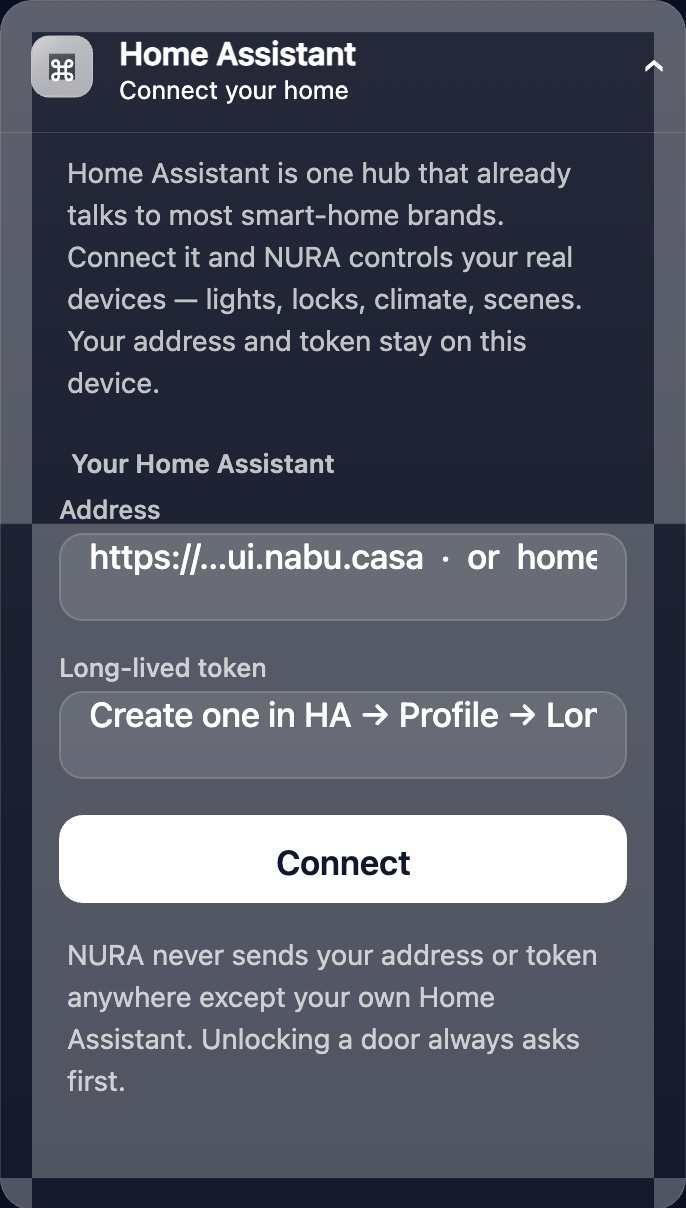
NURA can reach beyond the watch into your own smart home — but only if you connect it, and only to the hub you choose. Everything here is optional and stays off until you set it up.
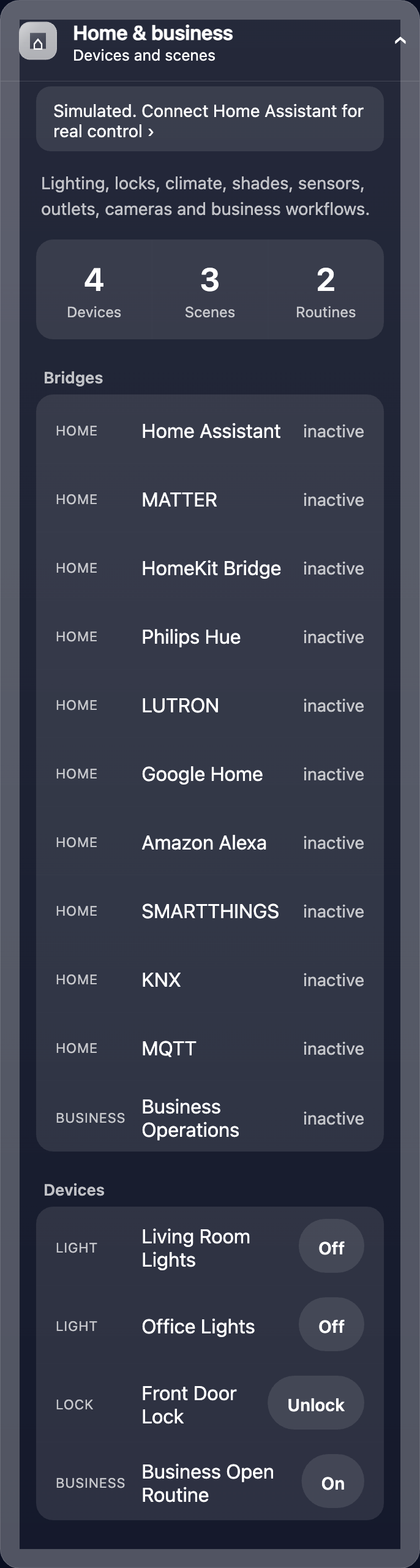
Home & business, kept apart
Your devices and scenes are organised into separate home and business spaces, so a work routine never trips a home light — the same discipline NURA applies to your contacts.
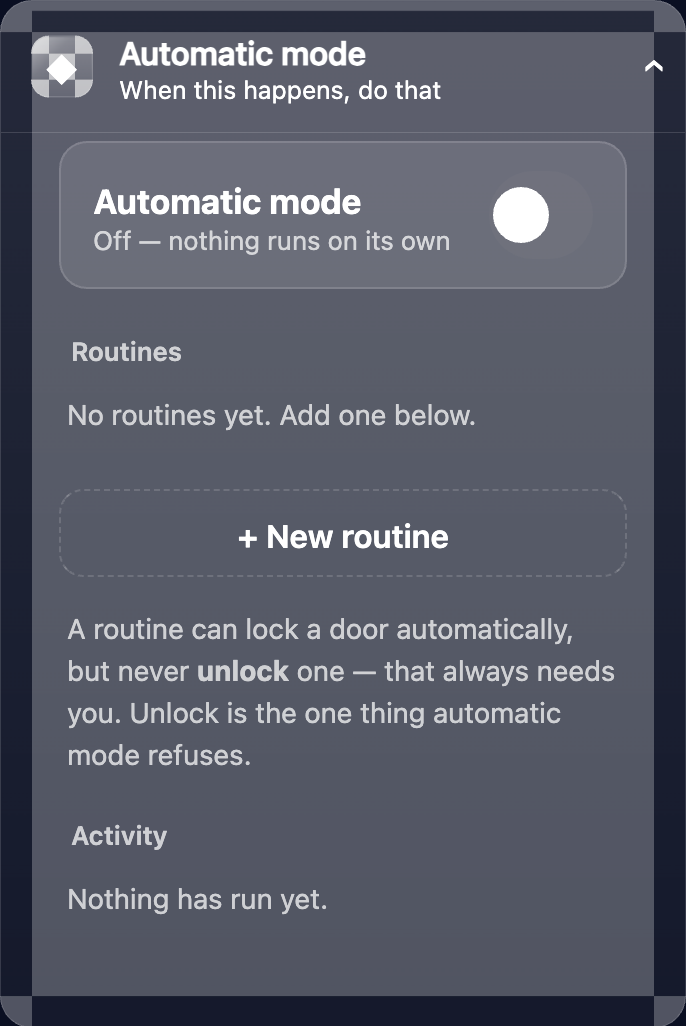
Automatic mode — “when this happens, do that”
Simple rules let NURA act on your behalf: when a condition you set is met, she runs the scene or action you chose. You define every rule; nothing is automatic until you say so.
Get the athan, live — free
These times update every day. The NURA app keeps them live on your phone, calls the full athan at prayer time, points the Qibla, and shows it all on a living watch face — working offline, no account, no sign-in.
NURA — coming soon to iPhone