Every setting, explained
Everything NURA uses lives in one place. You set it up once and she takes it from there — and nothing reaches out, listens, or remembers until you switch it on yourself. Here is every screen, exactly as it appears in the app.
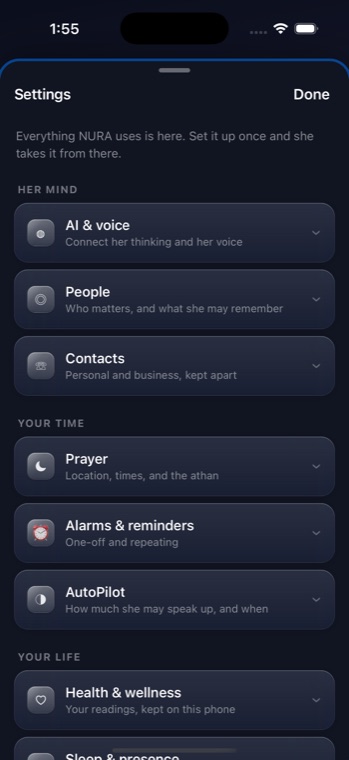
Her mind
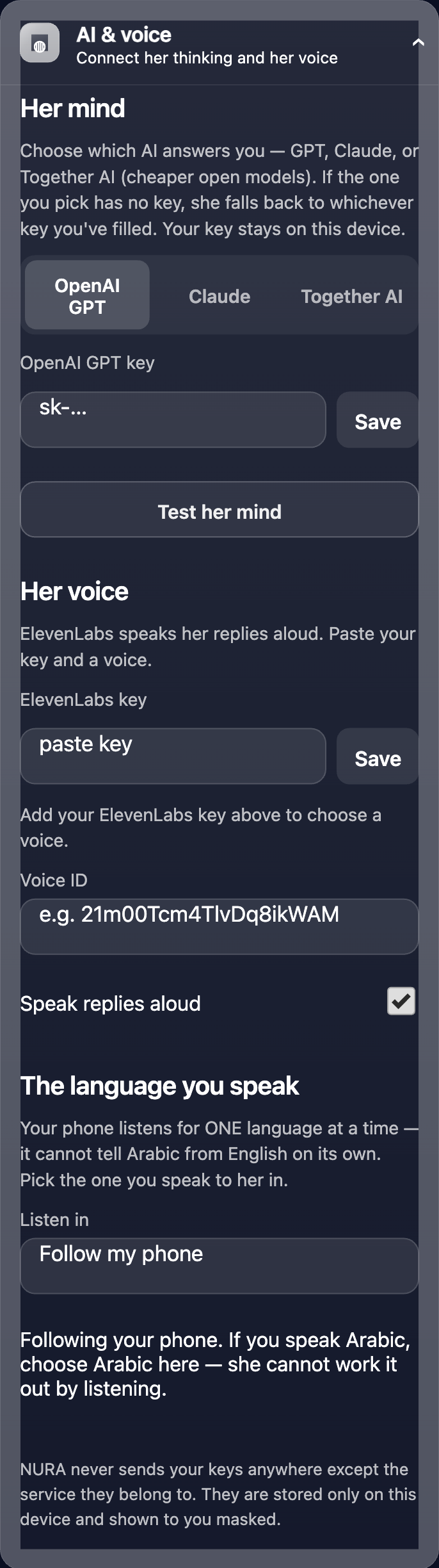
AI & voice — Connect her thinking and her voice. Choose which AI answers you — OpenAI GPT, Claude, or Together AI (cheaper open models). Paste your own key; if the one you pick has no key, she falls back to whichever key you have filled. “Test her mind” checks it in one tap. Her voice is optional (ElevenLabs), and you pick the one language you speak to her in. NURA never sends your keys anywhere except the service they belong to — they are stored only on this device and shown to you masked.
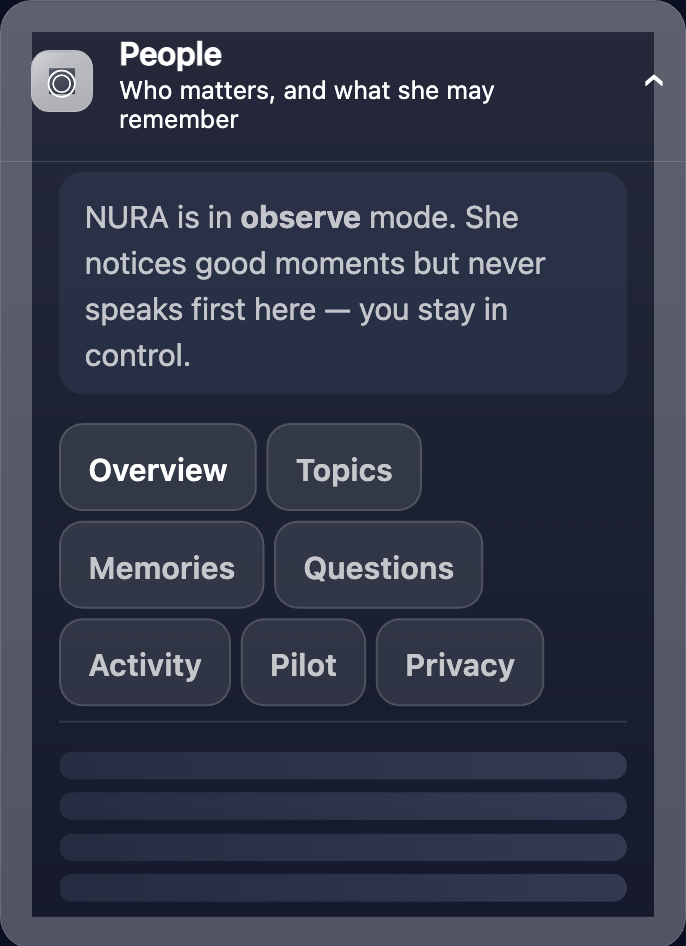
People — Who matters, and what she may remember. You decide whether NURA may keep memories about the people in your life, and she only remembers what you allow.
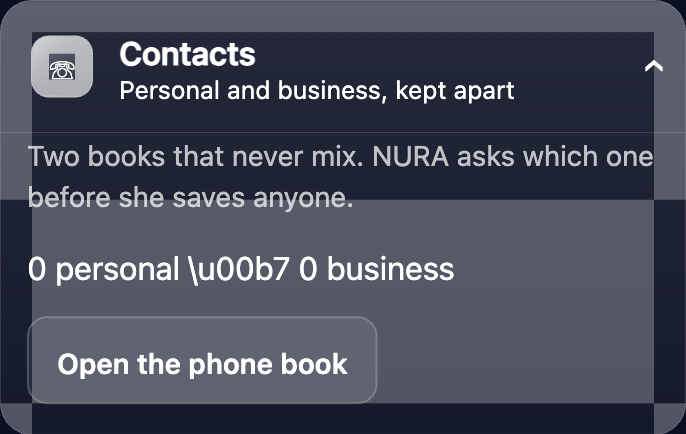
Contacts — Personal and business, kept apart. Two separate books, so your work world and your personal world never blur together.
Your time
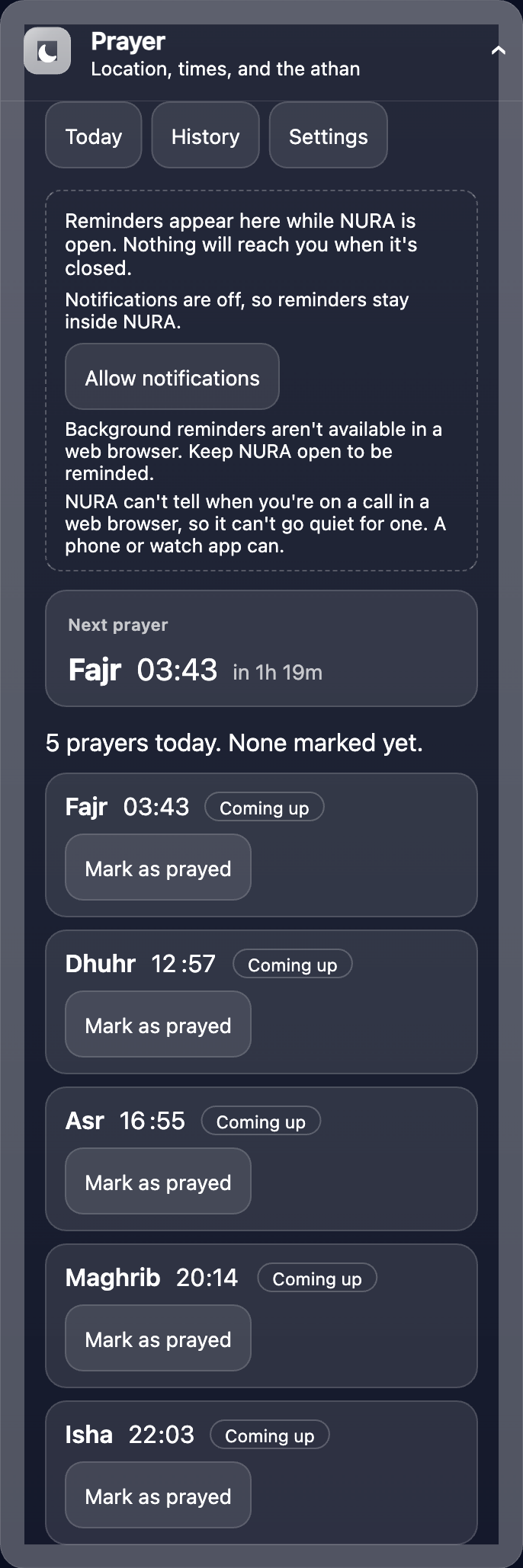
Prayer — Location, times, and the athan. Your city sets the five daily times; you can mark each prayer as prayed and keep a private history. On iPhone the full athan is called at prayer time and reminders arrive in the background.
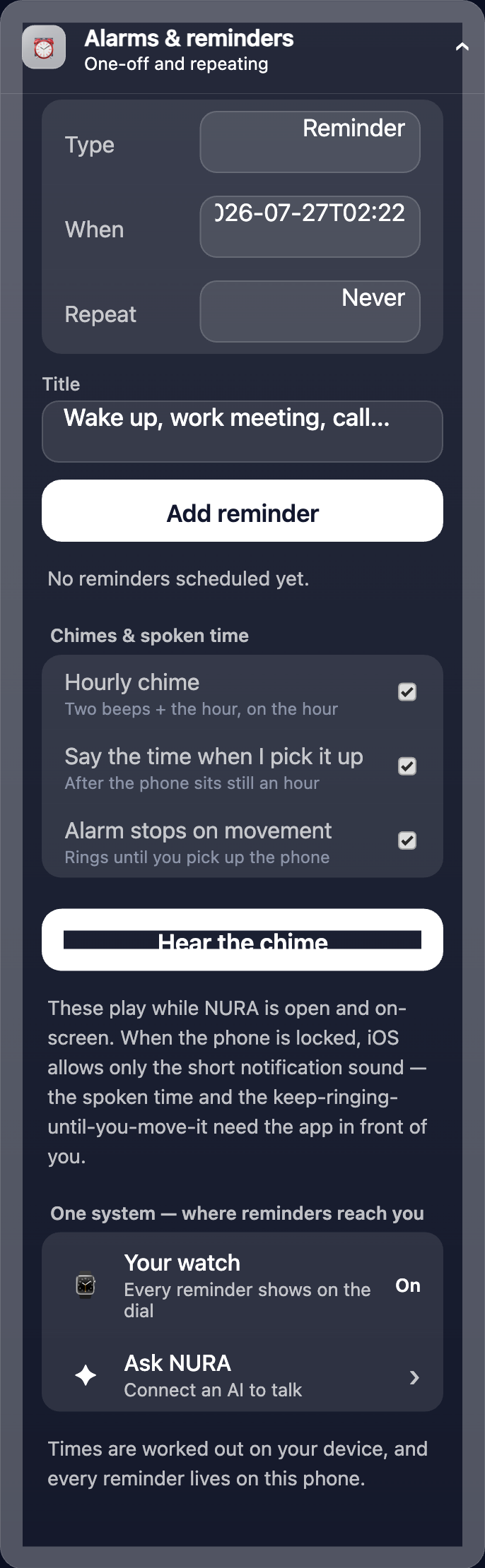
Alarms & reminders — One-off and repeating. Set your own alarms and repeating reminders; NURA keeps them alongside the day.
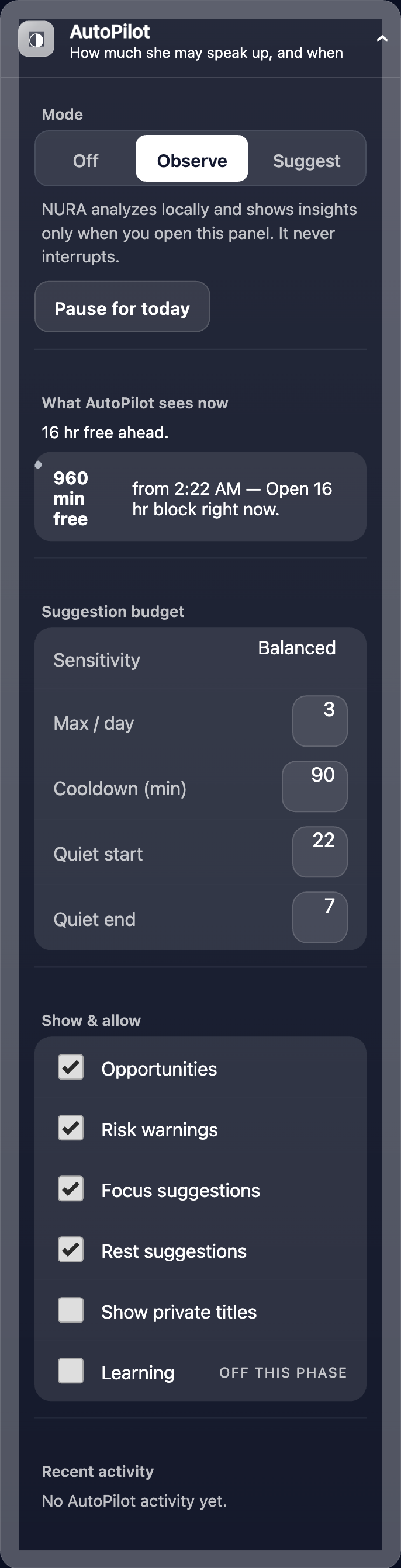
AutoPilot — How much she may speak up, and when. This is the heart of NURA as a life-organiser. She analyses your day locally and, depending on the mode, either simply observes or gently suggests — never interrupting. You control a full suggestion budget: sensitivity, a maximum per day, a cooldown, and quiet hours. See the full AutoPilot page →
Your life
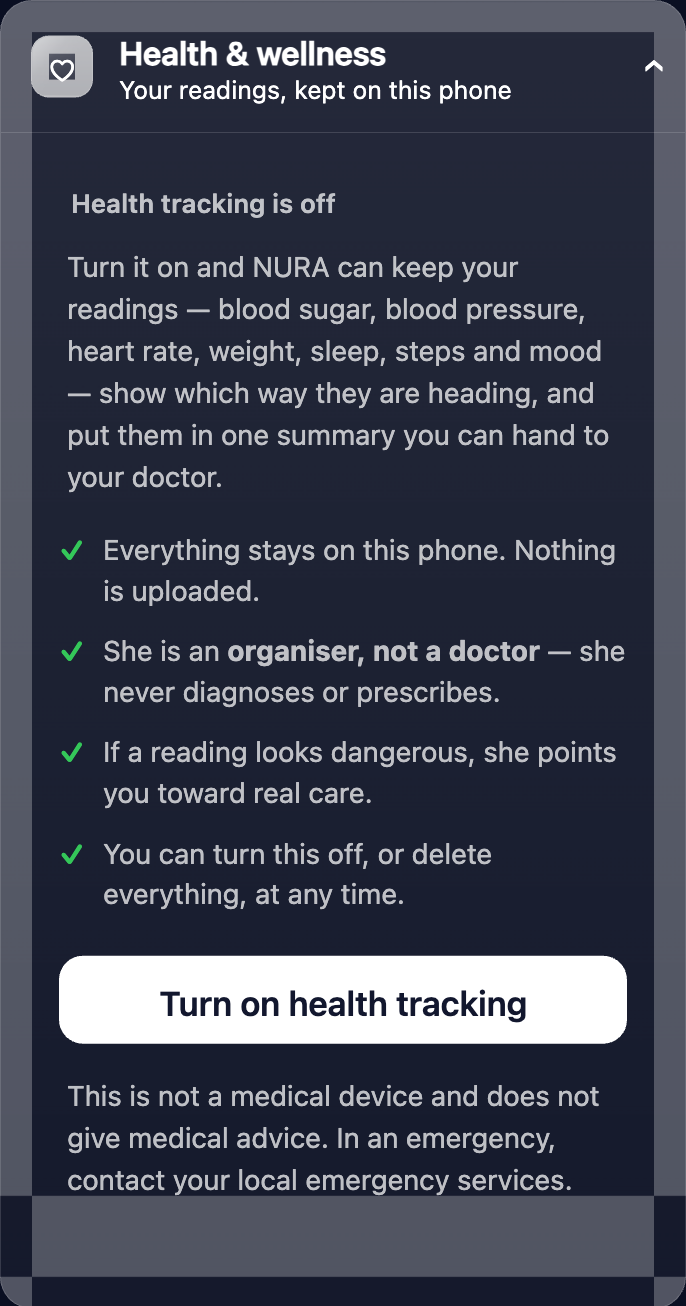
Health & wellness — Your readings, kept on this phone. NURA can hold your readings, show how they trend, and build one summary you can hand to your doctor. She is an organiser, not a doctor — she never diagnoses or prescribes, and everything stays on the device.
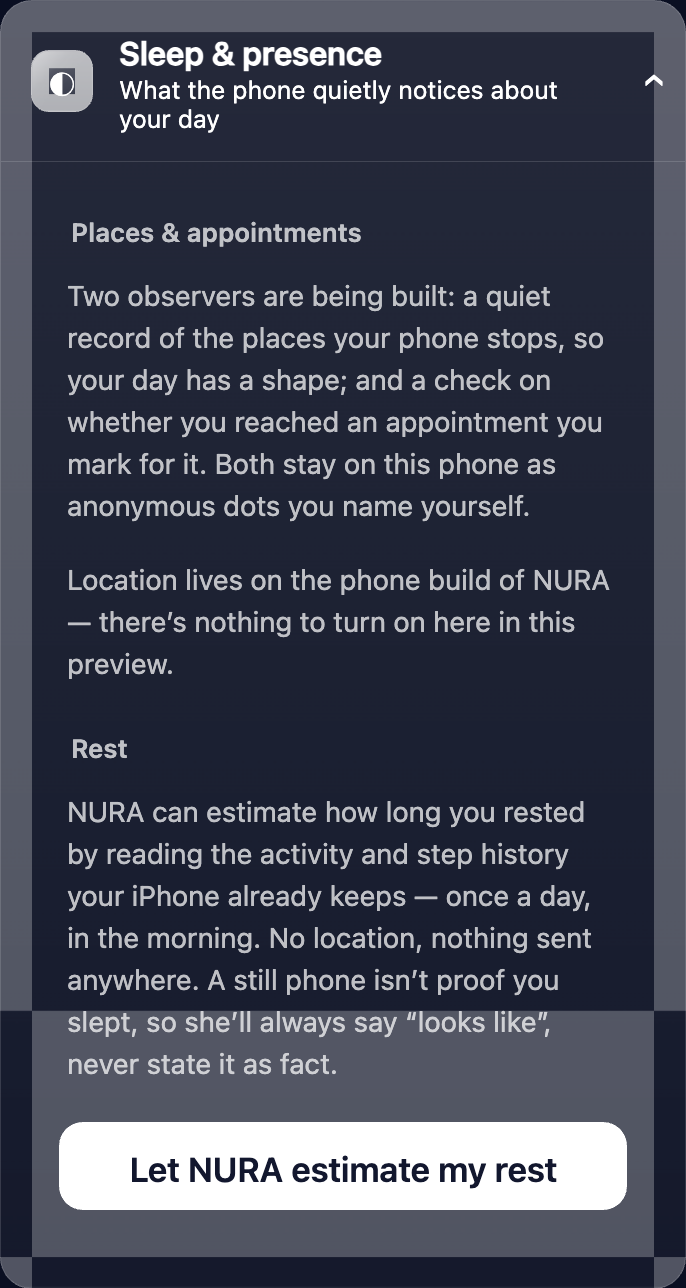
Sleep & presence — What the phone quietly notices. Using the motion and location sensors already on the phone, NURA can understand rest and place — quietly, on the device — to make her sense of your day more accurate.
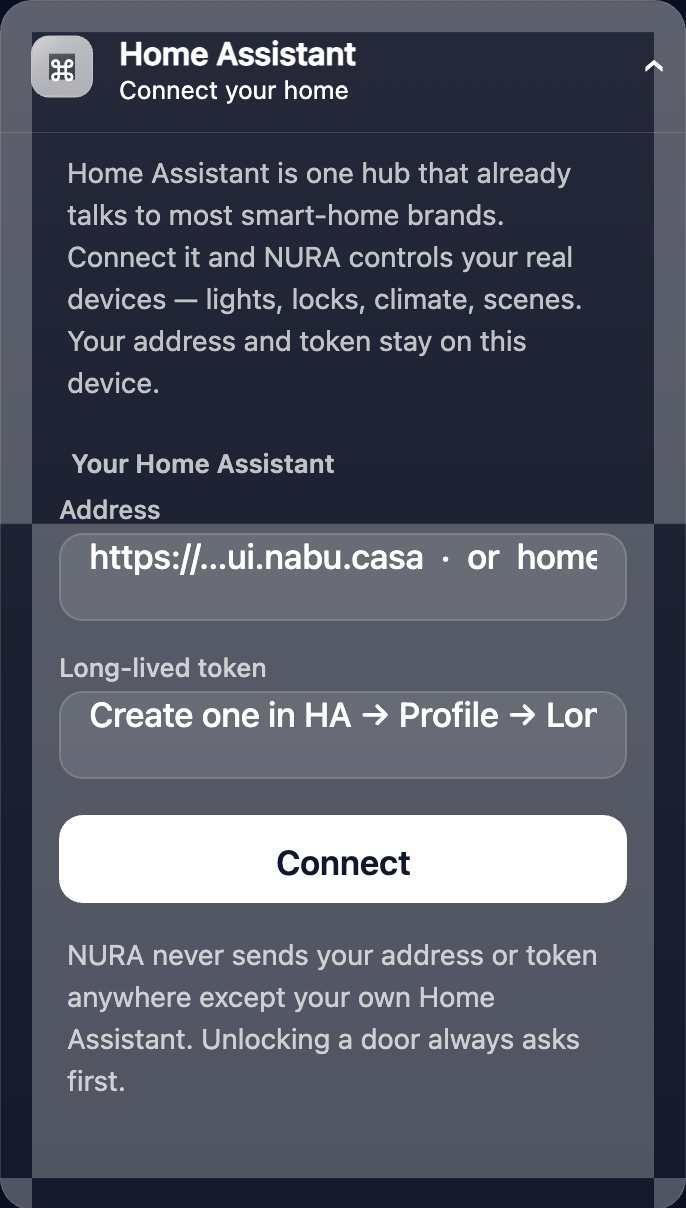
Home Assistant · Home & business · Automatic mode — connect your smart home, keep home and business devices apart, and set “when this happens, do that” rules. See the smart-home page →
The watch & you
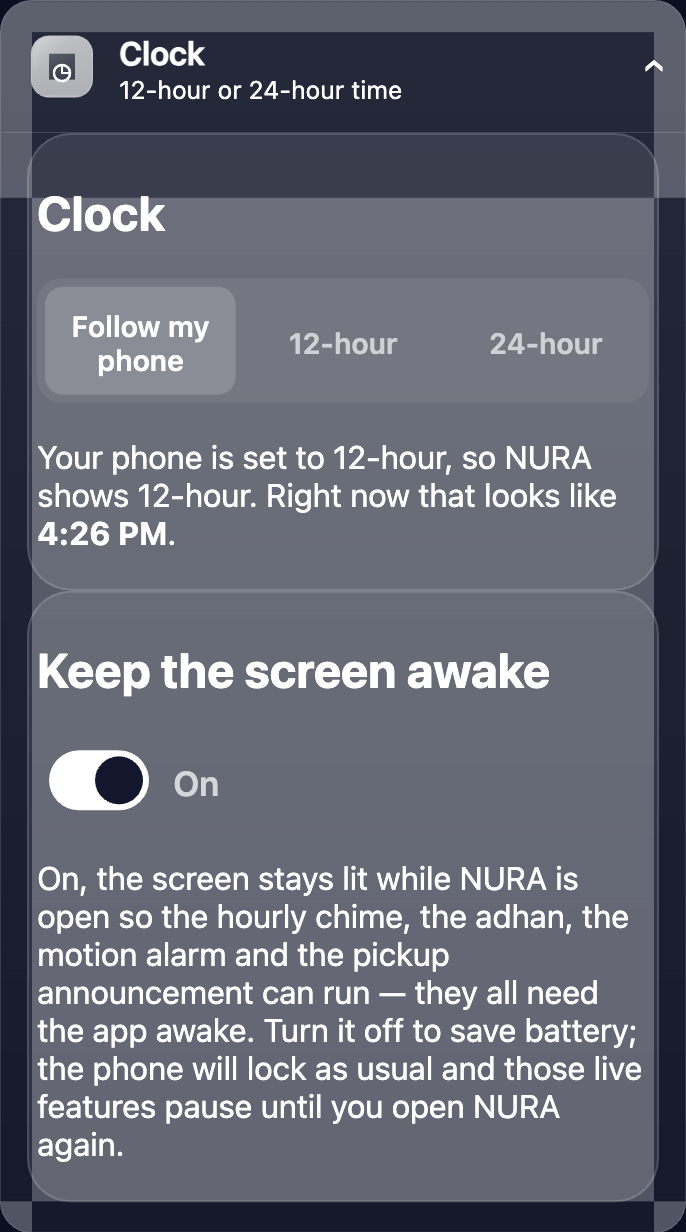
Clock — 12-hour or 24-hour time, your choice, across the app and the watch face.
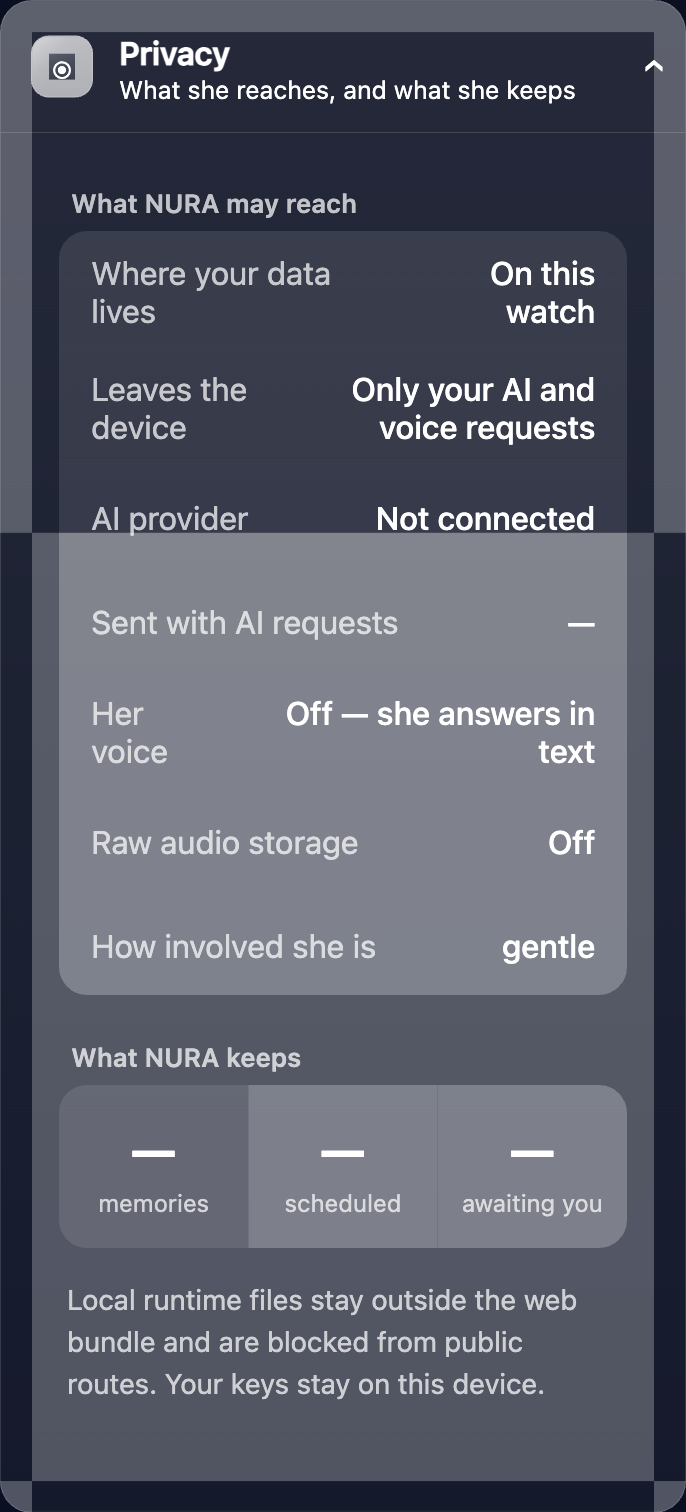
Privacy — What she reaches, and what she keeps. One dashboard shows exactly where your data lives (on this watch), what ever leaves the device (only your own AI and voice requests, if you connect a provider), and what NURA keeps. Raw audio storage is off; local runtime files stay outside the web bundle and are blocked from public routes; your keys stay on the device. More on privacy →
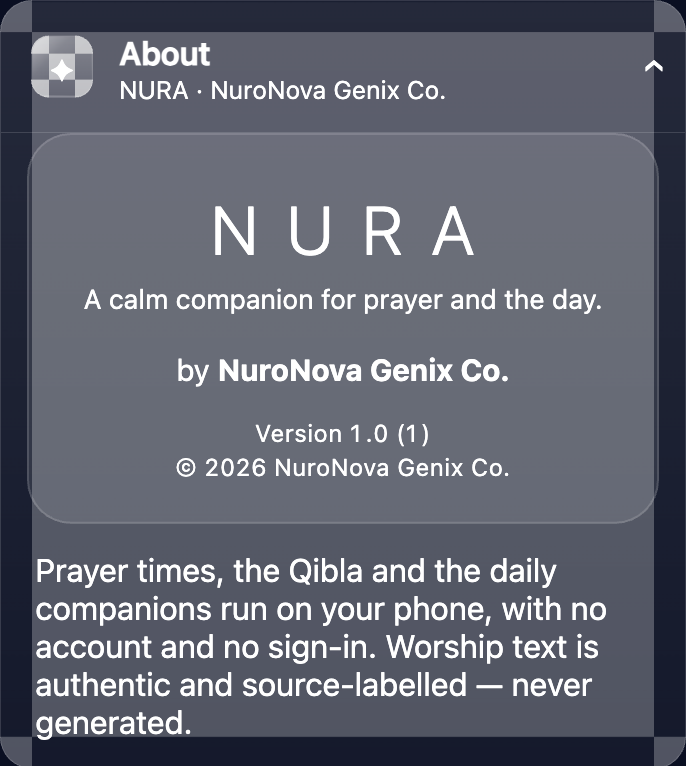
About — NURA is version 1.0, by NuroNova Genix Co., a Delaware company headquartered in Houston, Texas. Worship text in the app is authentic and source-labelled — never generated.
Get the athan, live — free
These times update every day. The NURA app keeps them live on your phone, calls the full athan at prayer time, points the Qibla, and shows it all on a living watch face — working offline, no account, no sign-in.
NURA — coming soon to iPhone